Retro
TeamSpeak Generation [version 1.1-alpha]
Copyright Retro Spection 2026. All Rights Reserved.T:\Users\TeamSpeak\TeamSpeak3\SSE2\Windows>
cd Windows7
T:\Users\TeamSpeak\TeamSpeak3\SSE2\Windows\Windows7> TeamSpeak 3
for Windows 7 or Later
Quick Download
All versions compatible with Windows 7 or later (32 and 64-bits) and supported by our
Server:
- Previous versions compatible with Windows XP
- Previous versions compatible with Windows Vista
-
TeamSpeak 3.1.6
x86
SHA-1: 66acc15441afc00339f184616827a9d7f76fdddf
SHA-256: 8c208d96736b5707ab503f6e51077c4f26d5849b984f230d10cb62031ad0b5f2
x64
SHA-1: 3d1fef8a83bb9d0724740c134de947976a3efcad
SHA-256: 155975294323b7dd302d16abdc9472a3f4efc388dcafe3a079b4551d9a914a1b
-
TeamSpeak 3.1.7
x86
SHA-1: 47902894ebdc688e3b0f8c7e31f786ac85d0dc7b
SHA-256: f0360858798c9b933a179f6aac4d1718997c1726596e058622c3570f20c14d9f
x64
SHA-1: 7651c5c78a1e4fb0502fe2808e25797e4490b146
SHA-256: f5f566eaedc4f1601f49df70e24ab7939ec142c5c6b27ca507e6fc20b503d0c6
-
TeamSpeak 3.1.8
x86
SHA-1: d33e10f26a0d8feb008f9fda5a7056d51dddee72
SHA-256: 955c2d792b17beb363e9bf5fe63dcb07b2cbc43c49e1f34d825155d0496e50e3
x64
SHA-1: ef571466d9bc89c81226fe2b114af47768c955f4
SHA-256: 058be0115fff04cd42c08dd522484e361ea2c0d8ac9bec093f5a94f28238e889
-
TeamSpeak 3.1.9
x86
SHA-1: 7d1a6b7bc01d2d0d2bd6ced486fca798944859a0
SHA-256: e1e86954874dc618ca450f6a515ddff7edd2b6756466942d7f3fc31fc8eef2b5
x64
SHA-1: 594e1a1e42924b83e32e4086eab075633d612a7c
SHA-256: cb7852506ee79d2b3cf645ee099eafa781ee41f3aab826437944505733f401a4
-
TeamSpeak 3.1.10
x86
SHA-1: f685a00ba7646b0f8ab20fc3bfbcbd75668e3c06
SHA-256: 10531712a6d664fe7d47308fc9db122442348a32df68e1e33db9abfff9b5a2eb
x64
SHA-1: eea2e8248a94f343e73a3d65a0ed8b9a9faed464
SHA-256: 9c3996023b658914e28e4f991a803c5f267c8694f5fe2321dc4bb2a029d092a8
Note: Although Windows XP/Vista versions are also compatible with
7 or later, we recommend
keep up with any version after 3.1.6.
Connection Method
The method below is for those who are using TeamSpeak 3,
at
least in version 3.1.6
(All versions mentioned above), check
Windows
XP page for versions below 3.1 and Windows
Vista page for
up to 3.1.5.
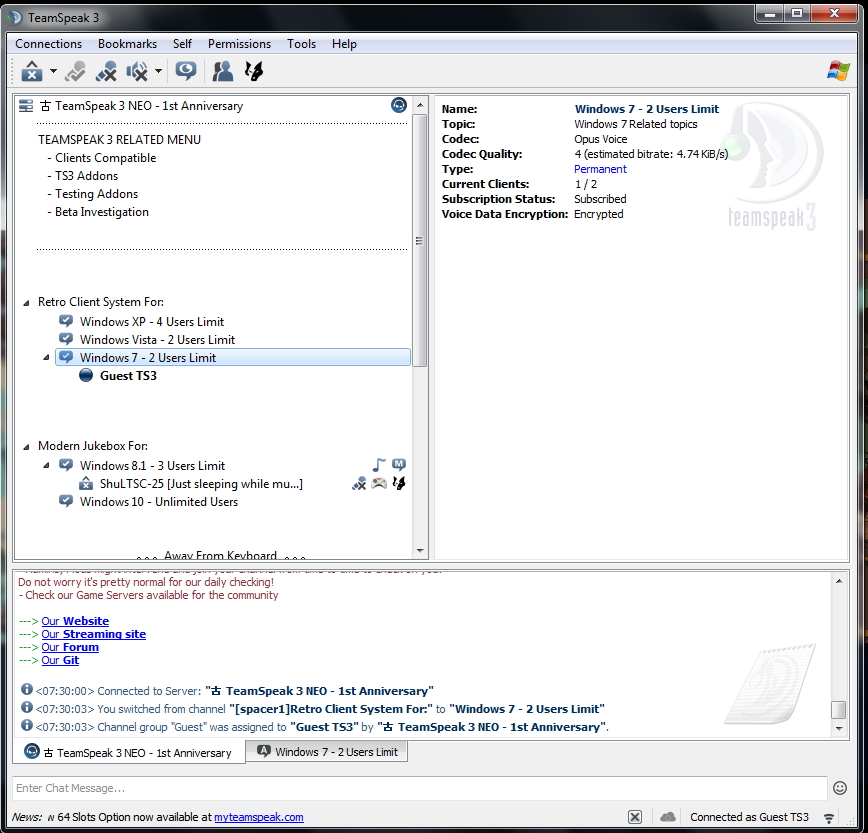
- Use the followed Server Nickname to connect:
Windows7
OR
Windows 7
Note: If using versions compatible with Windows XP/Vista,
Server Nickname is not possible to
be used, check the respective
pages for more instructions how to connect.
|
 Go_Back